
World's Simplest AI CV Creator
Build an ATS-friendly professional CV in minutes. Speak or type your career history in any language, and let AI write, structure, and format a job-winning resume.
Let's get started. What's your name?
ATS-Friendly Resume Templates
Select from clean layouts built to pass parsing systems. Swap colors, fonts, and layouts anytime inside the editor.
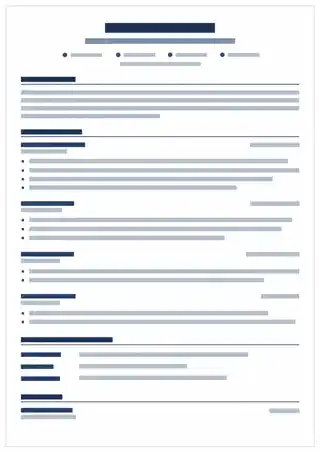
Atlas Navy
Sleek single-column design with a modern navy accent.
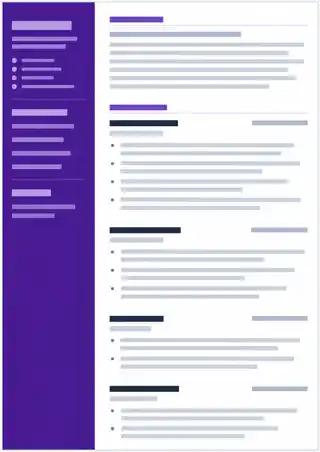
Cedar Violet
Clean sidebar layout with elegant deep violet headers.
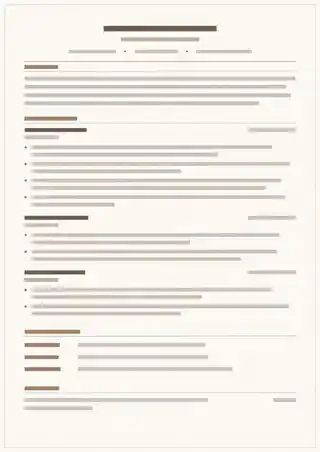
Bonsai Mint
Minimalist layout with fresh nature-inspired tones.
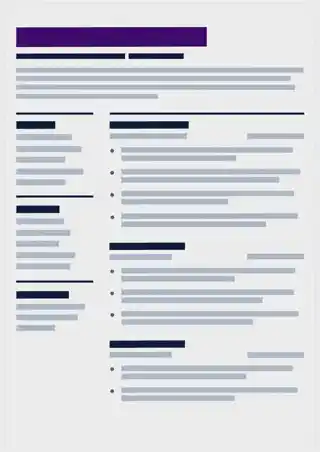
Oak Obsidian
Bold, structured headings with executive layout.
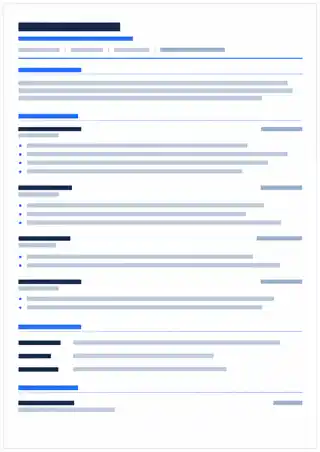
Classic Light
Timeless, clean formatting with maximum ATS readability.
Powering Your Career Story
Advanced AI models help you articulate achievements, format layouts, and polish summaries.
Multilingual Voice Input
Record a 120s voice note detailing your achievements. Speak naturally in any language. Gemini automatically translates and writes professional English bullet points.
AI Metric-Driven Bullets
AI polishes plain statements into high-impact bullets. It suggests action verbs, corrects grammatical structures, and calculates keyword frequencies for ATS parsing.
Friction-Free Guest Access
Create your CV completely free. All manual templates and inline formatting edits are unlimited. Create a Jobifer account only when you want to save it online.
Frequently Asked Questions
Everything you need to know about the Jobifer CV Builder.
Do I need to sign up to create my CV?
No. Every visitor can create their first CV from scratch or by uploading a PDF without creating an account. You can also make unlimited manual edits completely free.
Does it support other languages?
Yes! You can record your voice notes or write your background details in any language. The AI automatically translates, structures, and formats your details into a professional English resume.
What are the limitations of the guest session?
Guest users receive 1 AI CV and 3 AI edits. A free Jobifer account includes 1 lifetime AI CV and 1 AI edit. If you need more, the one-time $1 pack adds 5 AI CVs, 10 AI edits, and keeps PDF downloads open with no expiry.
How do I save my guest draft CV?
Click the "Save to Jobifer Account" button at the top of the editor, then sign in with email or Google. Jobifer imports the guest draft into your profile automatically.
Is the PDF download ATS-friendly?
Yes, all templates are optimized for parser readability. The downloaded PDF uses standard system typography, sections, and tags to pass applicant tracking systems.
Create CV Now
Stop fighting margins.
Let AI style your CV.
Build your professional resume from scratch in under 3 minutes. Try it now without sharing credit cards or creating an account.